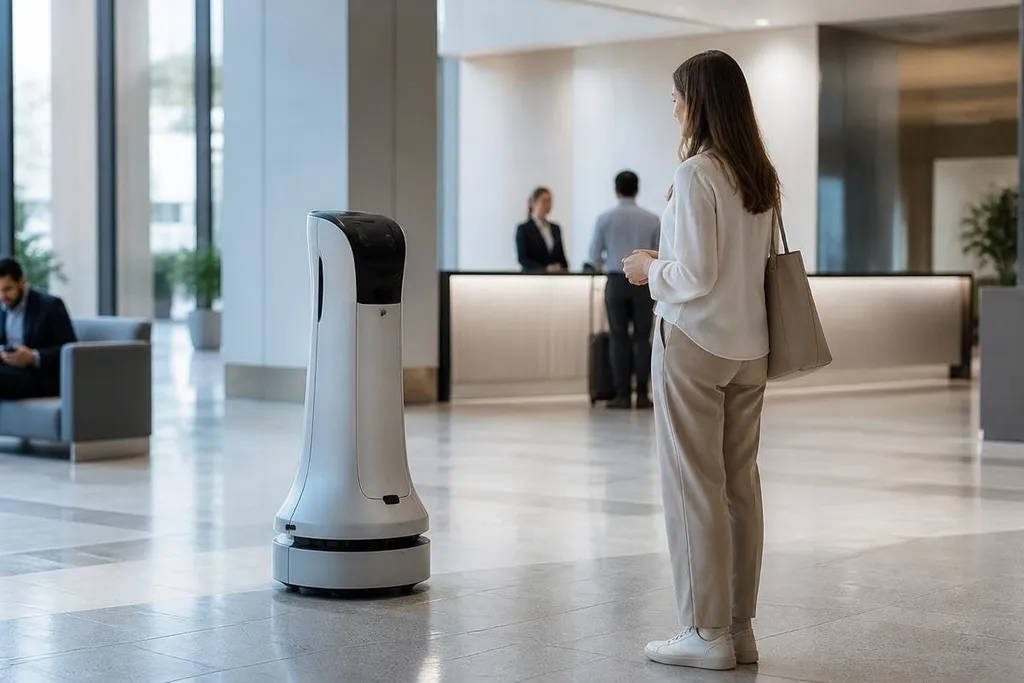
Customer service robots are appearing in places where people need basic help, such as directions, check-in support, and item delivery. Their spread makes sense when the task is repeated, the setting is controlled, and staff need time for harder questions.
- They handle routine requests without taking a staff member away from another task.
- Their value depends on clear routes, good speech input, and a safe handoff to a person.
- A robot can lower queue pressure, but it can't replace staff for unusual or sensitive problems.
The work suits a robot
A customer service robot works best when the request has a small number of likely answers. A visitor asking for a room, a counter, or a meeting area doesn't need a long conversation. The robot can take the request, display directions, and move through a known building.
That narrow job matters because robots rely on sensors and software to understand their surroundings. Cameras, LiDAR, or other sensors help the robot detect walls and people. Mapping software gives it a route, while speech or touch input gives it the request.
The setting still needs to cooperate. A robot moving through a quiet lobby has a simpler job than one dealing with loose cables, crowded aisles, poor lighting, and doors that people leave open. Each extra condition creates another point where the robot may need help.
Staff get a different kind of help
A robot can answer the same basic question many times without tiring. It can also repeat a message at the same volume and use the same route for each visitor. That makes it useful for routine work during busy periods, especially when staff are already helping people face to face.
The handoff matters more than the greeting. When a request falls outside the robot's script, the system needs to call a staff member or direct the person to a staffed desk. A failed handoff leaves the visitor with another obstacle, so a screen showing a phone number may not be enough.
A dated report on Robot24 can show where a customer service robot worked and where staff still had to step in, giving a buyer more to check than a greeting demo.
Privacy and safety also matter. A robot may process spoken requests, visitor details, or location data. The operator needs to explain what the system records, how long it keeps that data, and who can reach it.
The robot also needs a clear stop function and enough room to move without blocking exits or access routes.
Why the trend has limits
The word “robot” covers several different systems. Some units move around and speak with visitors. Others use a fixed screen, a camera, or a small delivery bay. Their tasks may look similar from a distance, but the costs, risks, and staff needs can differ.
A company also has to pay for setup, site maps, software updates, repairs, and staff training. A robot that works in one building may need new maps and safety checks in another. A low purchase price would not tell you the full cost of running it.
I’d judge these systems by the number of routine requests they finish without staff help, not by how human the greeting sounds.
That measure brings the unproven part into view. Without verified deployment figures, operating costs, or failure rates, nobody can say how common these robots are across customer service. The general pattern is clear enough: narrow jobs in controlled places are easier to automate than open-ended conversations.
A practical check before buying
Before an operator adds a customer service robot, check these points:
- Name the task: Write down the exact request the robot must finish, including the handoff when it cannot help.
- Map the site: Check doors, lifts, floor changes, lighting, floor surfaces, and busy paths during the robot's working hours.
- Set the staff link: Decide who receives an escalation, how quickly they answer, and what happens if nobody responds.
- Check the data: List the speech, images, visitor details, and location records the system collects.
- Price the full service: Include installation, mapping, training, repairs, software fees, and removal if the trial ends.
- Set a pass mark: Track completed requests, staff interventions, blocked routes, and safety stops from the first day.
These checks tell you if the robot solves a real queue or only adds another screen to the room. They also give staff a way to judge the system with records rather than impressions.
Customer service robots are becoming more common because their narrow jobs are easier to repeat and measure. Their next test is not a smoother greeting. It is whether they can finish enough useful requests, at a known cost, while people remain available when the script ends.